Table of Contents
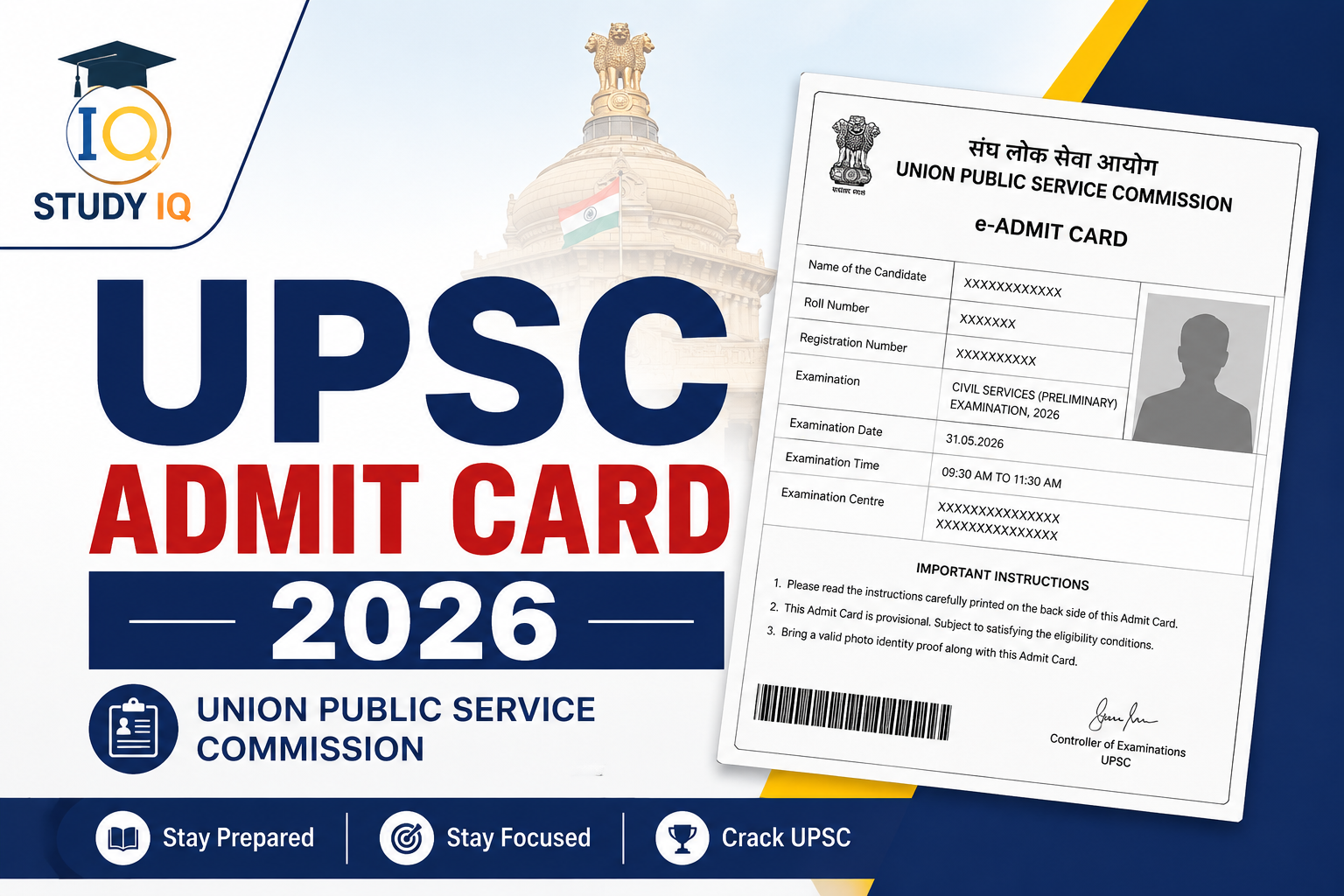
The Union Public Service Commission has officially released the UPSC Prelims Admit Card 2026 on May 15, 2026. Candidates who have successfully registered for the Civil Services Examination (CSE) can now download their e-Admit Card from the official UPSC portal.
The UPSC Civil Services Examination is one of the most prestigious and competitive examinations in India, conducted annually to recruit candidates for services such as IAS, IPS, IFS, IRS, and other Group A and Group B Central Services. The release of the UPSC Admit Card 2026 marks the final phase of preparation before the UPSC Prelims 2026 scheduled for May 24, 2026.
Candidates are advised to download the admit card immediately, verify all details carefully, and strictly follow the exam-day guidelines issued by UPSC.
UPSC Admit Card 2026 Overview
The Union Public Service Commission has released the UPSC Admit Card 2026 for candidates appearing in the Civil Services Preliminary Examination. Aspirants can now download their hall ticket from the official website using their registration credentials. The admit card contains important details regarding the examination date, reporting time, exam centre, and candidate information.
| Particulars | Details |
|---|---|
| Exam Name | UPSC Civil Services Preliminary Examination 2026 |
| Conducting Authority | Union Public Service Commission |
| UPSC Prelims 2026 Admit Card Release Date | May 15, 2026 |
| UPSC Prelims Exam Date | May 24, 2026 |
| Mode of UPSC Hall Ticket 2026 | Online |
| UPSC Prelims Hall Ticket 2026 Login Credentials | Registration ID/Roll Number + Date of Birth |
| Exam Mode | Offline (OMR Based) |
| Official Website | upsc.gov.in |
UPSC Admit Card 2026 Direct Link
The UPSC has activated the UPSC e-Admit Card 2026 download link on its official portal. The admit card is available only in online mode, and no physical copy will be sent by post. Candidates can download the admit card through:
Direct Link to Download UPSC Prelims Admit Card 2026: Download UPSC Prelims Admit Card 2026
The admit card contains important details including:
- Candidate’s Name
- Roll Number
- Registration ID
- Exam Centre Name and Address
- Reporting Time
- Exam Day Instructions
- Candidate Photograph and Signature
How to Download UPSC Prelims Admit Card 2026?
Follow these steps to download the UPSC Prelims Hall Ticket 2026:
- Visit the official UPSC website.
- Open the “E-Admit Cards” section.
- Click on the UPSC Civil Services Preliminary Examination 2026 admit card link.
- Read the instructions carefully and click “Yes”.
- Choose one of the login methods:
- Registration ID
- Roll Number
- Enter your Date of Birth and captcha code.
- Submit the details.
- Download the admit card PDF.
- Take a clear printout on A4-size paper.
Login Methods to Download UPSC Admit Card
Candidates can download the admit card using either of the following methods:
By Registration ID
Enter the Registration ID generated during the UPSC application process.
By Roll Number
Use the Roll Number provided by UPSC via SMS or email.
Forgot UPSC Registration ID? Here’s What to Do
If you forget your Registration ID, follow these steps:
- Click on the “Forgot Registration ID” option.
- Enter:
- Name
- Date of Birth
- Registered Email ID
- Retrieve your Registration ID.
- Reset the password if necessary.
- Log in again and download the admit card.
Documents Required Along with UPSC Admit Card 2026
Candidates must carry:
- Printed UPSC IAS Admit Card 2026
- Original Photo ID Proof
Accepted ID Proofs
- Aadhaar Card
- PAN Card
- Voter ID
- Passport
- Driving License
Failure to carry these documents may result in denial of entry to the examination hall.
Prohibited Items at UPSC Exam Centres
The following items are strictly prohibited:
- Mobile phones
- Smartwatches
- Bluetooth devices
- Calculators
- Notes or books
- Electronic gadgets
- Storage devices
Violation of rules may lead to cancellation of candidature.
What to Do If There Is an Error in the Admit Card?
If you notice any incorrect information in your admit card:
- Contact UPSC immediately.
- Use official helpline numbers or email support.
- Request correction before the examination date.
Candidates should not wait until the last moment to report discrepancies.
Scribe Guidelines for PwBD Candidates
UPSC provides scribe facilities for eligible PwBD candidates as per the prescribed rules.
Important Points
- Candidates must submit the required documents in advance.
- The scribe must fulfil UPSC eligibility criteria.
- Compensatory time may be provided.
- Candidates should carefully read the official UPSC PwBD instructions.
Last Date to Download UPSC Admit Card 2026
Although the admit card link generally remains active until the exam day, candidates are advised to download it well in advance to avoid:
- Server issues
- Login errors
- Last-minute rush
- Printing problems
Keeping multiple printed copies is also recommended.
UPSC Prelims 2026 Exam Date
The UPSC Civil Services Preliminary Examination 2026 will be conducted in two shifts on May 24, 2026.
| Paper | Subject | Timing | Duration |
|---|---|---|---|
| Paper I | General Studies (GS I) | 9:30 AM – 11:30 AM | 2 Hours |
| Paper II | CSAT (GS II) | 2:30 PM – 4:30 PM | 2 Hours |
UPSC Prelims 2026 Exam Day Checklist
Before leaving for the examination centre, ensure you carry:
- Printed UPSC Admit Card
- Original Photo ID Proof
- Black Ballpoint Pens
- Passport-size Photograph (if required)
Avoid carrying prohibited electronic items or unnecessary baggage.
Check: UPSC Notification 2026
Major Change in UPSC Prelims 2026: Face Authentication Mandatory
For the first time, UPSC has introduced mandatory face authentication at examination centres to strengthen security and prevent impersonation.
Candidates must report early at the exam venue for:
- Face Authentication
- Identity Verification
- Security Frisking
Candidates arriving late may not be allowed entry into the examination hall.
UPSC Prelims 2026 Exam Centres
The UPSC Preliminary Examination will be conducted in major cities across India, including:
| Sl. No. | Exam Centre |
|---|---|
| 1 | Agartala |
| 2 | Agra |
| 3 | Ahmedabad |
| 4 | Aizawl |
| 5 | Ajmer |
| 6 | Aligarh |
| 7 | Almora |
| 8 | Ananthapuru |
| 9 | Chhatrapati Sambhajinagar (Aurangabad) |
| 10 | Bareilly |
| 11 | Bengaluru |
| 12 | Bhopal |
| 13 | Bhubaneswar |
| 14 | Bilaspur |
| 15 | Chandigarh |
| 16 | Chennai |
| 17 | Coimbatore |
| 18 | Cuttack |
| 19 | Delhi |
| 20 | Dharamshala |
| 21 | Dispur |
| 22 | Faridabad |
| 23 | Gangtok |
| 24 | Gaya |
| 25 | Gautam Buddh Nagar |
| 26 | Ghaziabad |
| 27 | Gorakhpur |
| 28 | Gurugram |
| 29 | Gwalior |
| 30 | Hyderabad |
| 31 | Imphal |
| 32 | Indore |
| 33 | Itanagar |
| 34 | Jabalpur |
| 35 | Jaipur |
| 36 | Jammu |
| 37 | Jodhpur |
| 38 | Jorhat |
| 39 | Kanpur |
| 40 | Kochi |
| 41 | Kohima |
| 42 | Kolkata |
| 43 | Kozhikode |
| 44 | Leh |
| 45 | Lucknow |
| 46 | Ludhiana |
| 47 | Madurai |
| 48 | Mumbai |
| 49 | Mysuru |
| 50 | Nagpur |
| 51 | Navi Mumbai |
| 52 | Panaji |
| 53 | Patna |
| 54 | Port Blair |
| 55 | Prayagraj |
| 56 | Puducherry |
| 57 | Pune |
| 58 | Raipur |
| 59 | Rajkot |
| 60 | Ranchi |
| 61 | Sambalpur |
| 62 | Shillong |
| 63 | Shimla |
| 64 | Siliguri |
| 65 | Srinagar |
| 66 | Surat |
| 67 | Thane |
| 68 | Thiruvananthapuram |
| 69 | Tiruchirapalli |
| 70 | Tirupati |
| 71 | Udaipur |
| 72 | Varanasi |
| 73 | Vellore |
| 74 | Vijayawada |
| 75 | Visakhapatnam |
Important Instructions for Candidates
- Carry a printed copy of the admit card to the examination centre.
- Bring a valid original photo ID proof.
- Reach the exam centre before reporting time.
- Electronic gadgets such as mobile phones, smartwatches, calculators, and Bluetooth devices are strictly prohibited.
 UPSC Exam Calendar 2027 Out: UPSC CSE Pr...
 Women’s Reservation Bill 2023, Need, P...
 NCERT Simplified Books for UPSC and Stat...












 WhatsApp